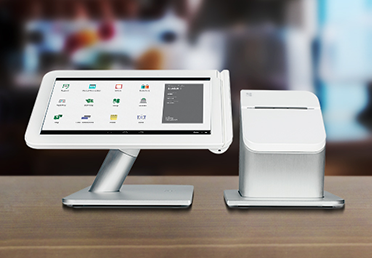
Clover Mini – A Full Point Of Sale System In One Small Package
The all-in-one mini POS system for any business.
No extra costs. No hidden fees.
Clover Mini - The All-In-One POS System For Any Business
No Extra Costs – No Hidden Fees
Clover Mini - Small But Powerful

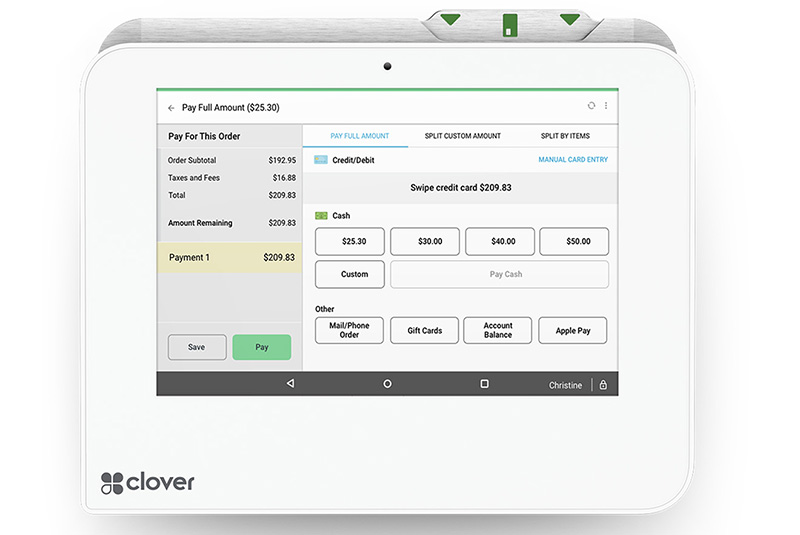
Payments And Deposits Made Easy

Future Proof Your Business

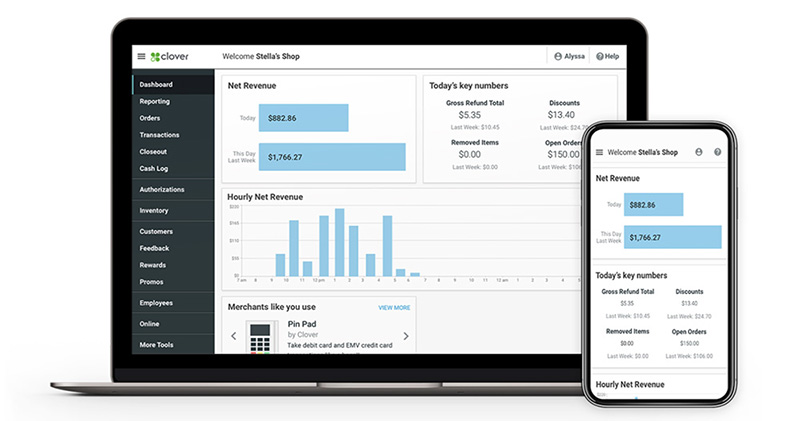
Stay On Top Of Your Numbers
Clover Mini - A Compact POS With A Small Countertop Footprint And A Big Appetite For Business.
Whether you want just a basic terminal, or all the bells and whistles, Clover Mini gives you choices of both components and apps.
Clover point of sale allows you the mobility, versatility, and flexibility you need to run your business.
Talk to a Payment Advisor at +1.888.616.6967 or get started now.
Clover Mini - The Smart POS System That Makes Running Your Business Easier
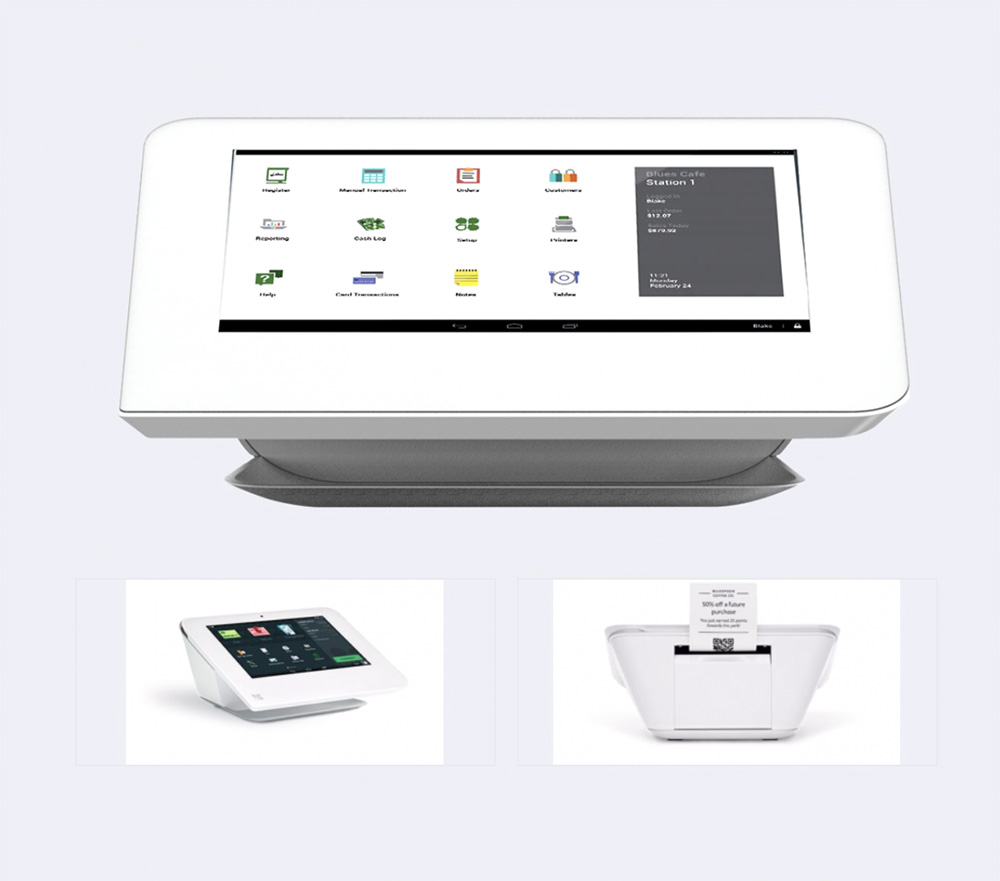

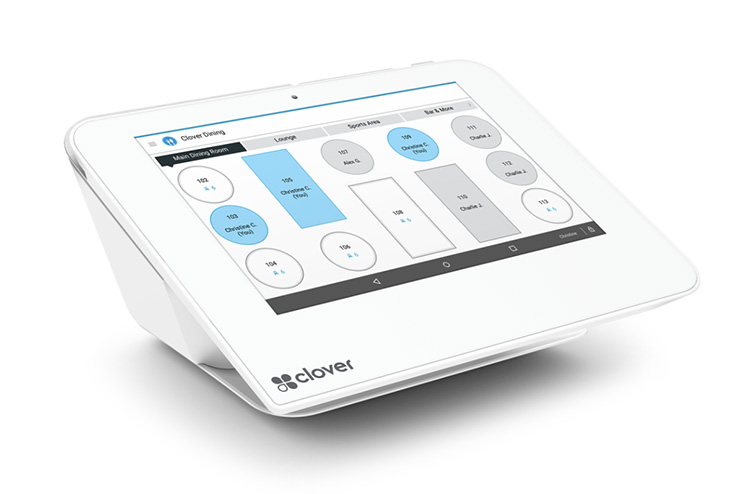
Build Dynamic Floor Plans With Real Time Table Status

Manage Your Entire Staff With Clover Mini

Take Tableside Orders And Payments
Run A Smart Restaurant Business With Clover Mini - Your Smart Restaurant POS System


What Clover Mini POS Can Do For You
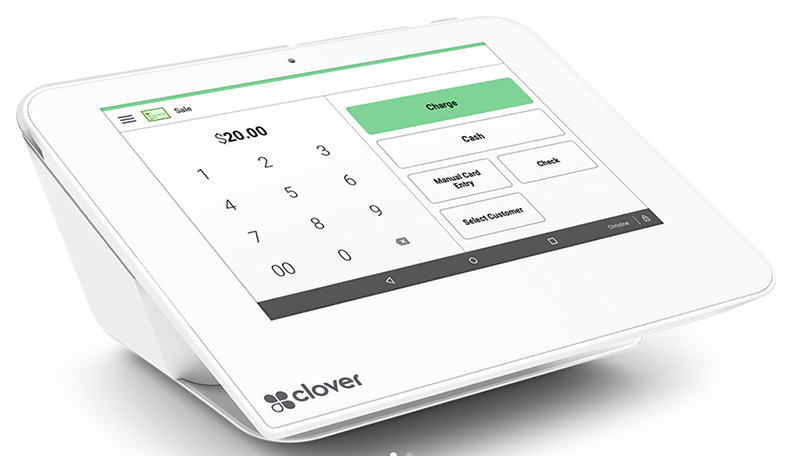
Everything You Need At Your Fingertips
Your staff can start taking orders with minimal training.
Fast Processing Speed
Cut chip card transaction time down to under 3 seconds and serve more customers.
Anywhere, Anytime Access
Access your data anywhere you need to run your business on the floor, at the office, or on the road.
Full Featured Tools For Your Business
Clover Mini helps you keep your inventory organized and accessible with categories, labels, modifiers and variants.
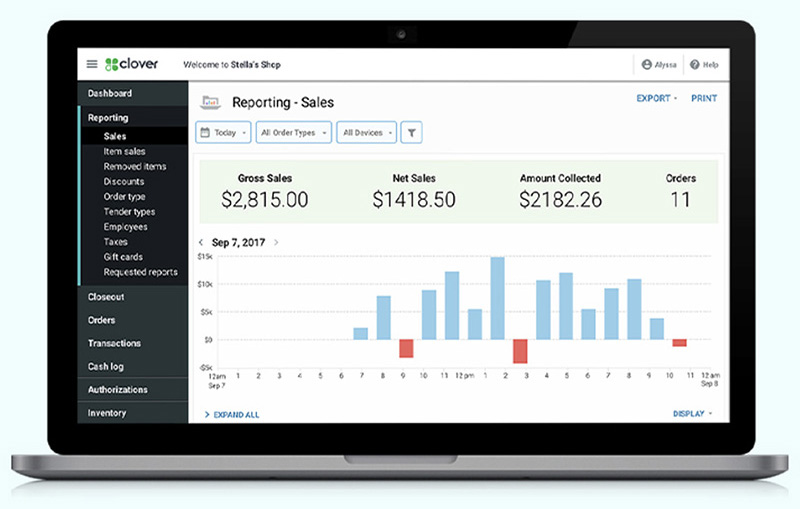
Robust Reports
Track sales as they come in, wherever you are. Log in any time for info at a glance, from hourly sales and top selling items to refund and discount volumes.
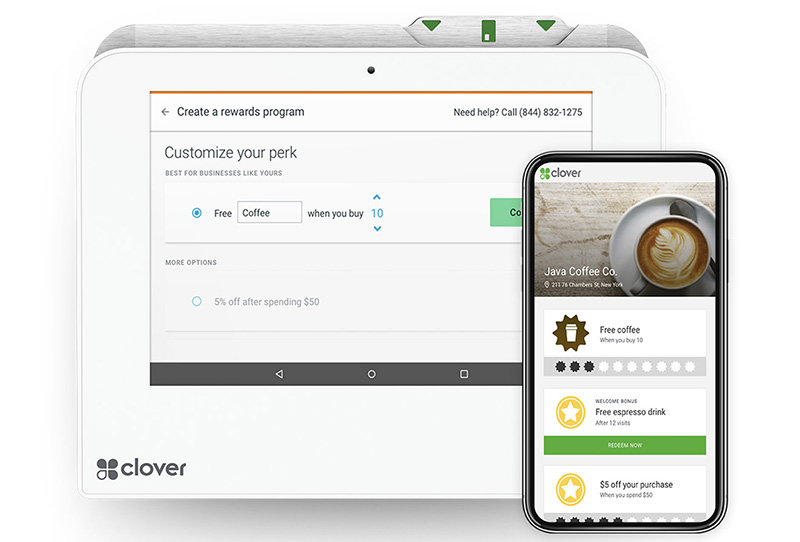
Clover Mini Helps You Build Your Tribe
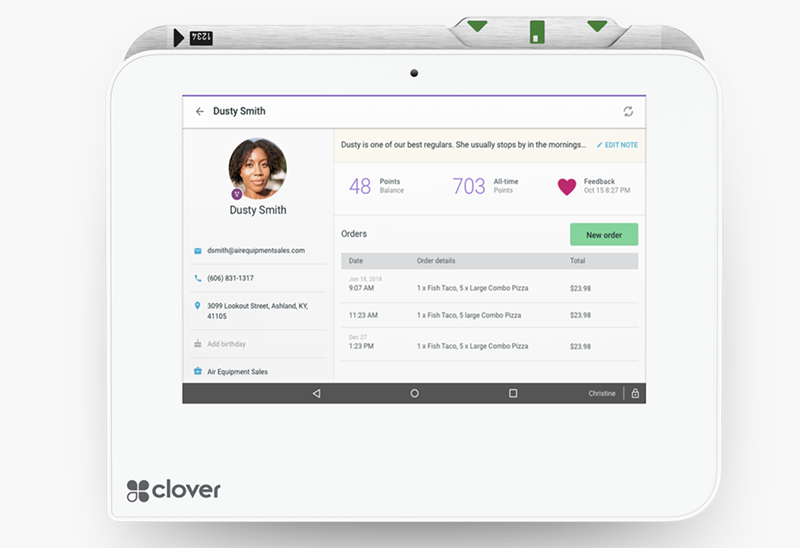
Collect and manage customer contact info and marketing preferences, so you can engage with them on their terms.
Proactive Listening
Engage with your customers one on one, before their feedback hits social media.
FREQUENTLY ASKED QUESTIONS
What Kind Of Support Will I Receive With A Clover POS?
At Canada First we are available to assist you when you’re unable to resolve issues on your own. There are a few ways to reach live support:
- From a browser, log in to your Clover account and select Help from the top menu to access a range of support options.
- On a Clover device, tap Help on the home screen.
- In the Clover Go mobile app, open the menu and tap Help.
- Find your direct support phone number on your statement or call our general support line at: (888) 263-1938
For your security, we’ll ask for your Merchant ID (MID), so please have that information handy.
What Clover Hardware Options Are Available ?
Clover offers several devices tailored to different business needs:
- Clover Flex:the handheld POS system. Serve customers better – at the counter, in line, at the table, or in the field – with the Clover Flex handheld POS system. This all-in-one device offers built-in capabilities to accept payments, conduct business, and track sales all from the palm of your hand.
- Clover Flex Pocket: A lightweight POS to take payments on the move
- Clover Station SoloTake orders and run your business with a flexible point-of-sale system that works as hard as you do. Station Solo supports your operations and management and gives you more time to focus on the reason you’re in business.
- Clover Station Duo: a fast, dual‑screen POS. Station Duo keeps up with your business so you can keep the line moving. This all-in-one POS speeds up transactions with a customer-facing screen.
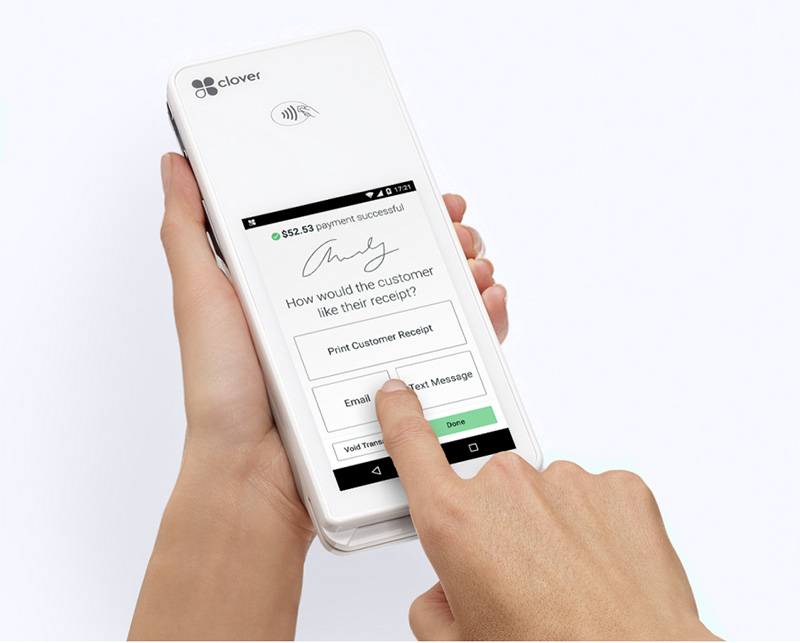
- Clover Mini: a small POS for your countertop. A full point-of-sale system in one sleek little package. Mini can fit into any space but packs plenty of POS power to run your business, end to end. Use it just for payments or to run your whole business from inventory to payroll.
- Clover Kiosk: self ordering for restaurants.Our all-in-one device features an enterprise grade 24″ display, versatile payment terminal, and a built-in printer, all with low-touch set up.
Can Clover Process Payments if the Internet is Down?
Yes, orders can still be placed while devices are offline; they will simply be queued and processed/printed once the connection is restored. Additionally, all systems can process wireless transactions via LTE or a mobile phone hotspot if you have an optional LTE service plan..
How Fast Are Deposits?
Funds are typically deposited into your business checking account within 1 to 3 days, with many merchants seeing their funds deposited as early as the next business day. Faster funding options may be available depending on your bank and merchant account..
Can I Attach a Cash Drawer to the Clover Mini?
Yes, it is fully compatible with Clover Cash Drawers and can also support external USB printers and barcode scanners.
How Do I RebootThe Clover Mini?
You can do a soft reboot by swiping down from the top right of the screen and tapping Reboot. For a hard reset, unplug the power cord, open the paper door, hold the green reset button in the printer cavity for 15 seconds, and plug it back in
What is the Clover App Market?
Clover features an extensive App Market similar to app stores on smartphones. It allows businesses to add specialized third-party applications for expanded functionality like employee scheduling, waitlists, inventory management, and loyalty programs. While some apps are free, many require an additional monthly fee.
Can I Take Apple Pay With the Clover Mini?
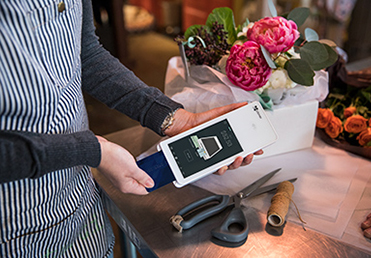
All new Clover devices support acceptance of mobile payments from digital wallet services including Apple Pay, Google Pay™, and Samsung Pay.
Every Clover System Comes With Peace Of Mind

Free Overnight Shipping
Hassle Free Returns
Consistent Rates

Exceptional Live Help
Need Help Building Your Clover Point Of Sale System?
Call Us At 1.888.616.6967 or Get In Touch