
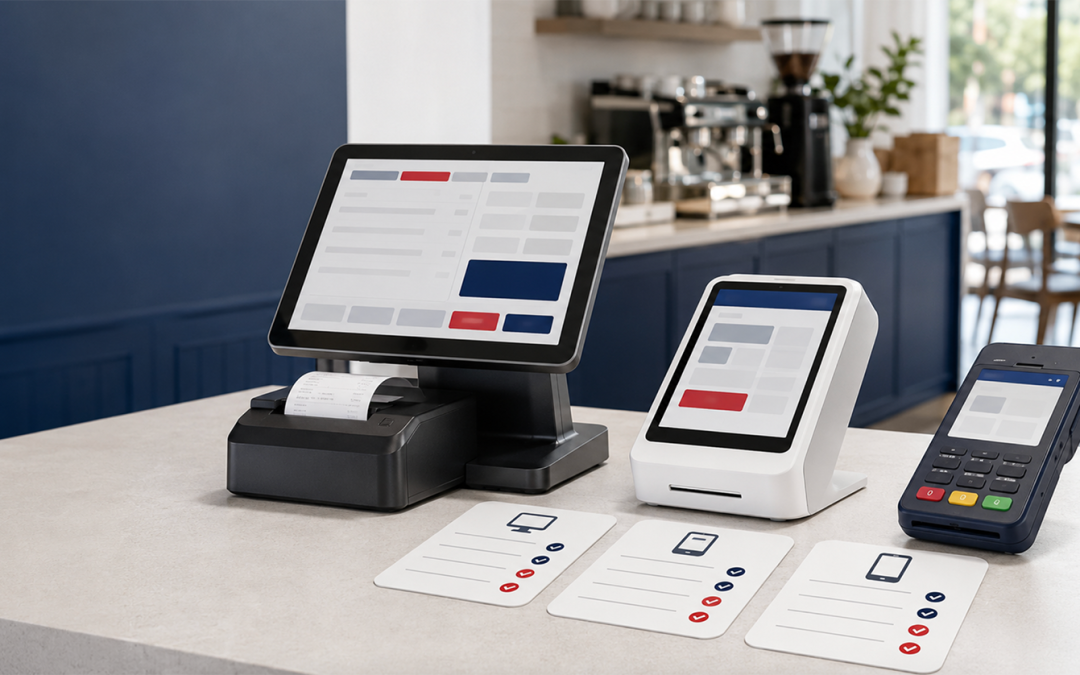
Choosing a Point-of-Sale System
Choosing a point-of-sale system is harder than it looks. Dozens of vendors appear to offer similar features, while the most important costs and restrictions may be buried in separate software, hardware and payment-processing agreements.
A system that initially appears inexpensive may require costly hardware, higher processing rates or a multi-year commitment. Another may offer attractive software pricing but limit your choice of payment processor.
This POS system comparison focuses on the three components that affect your total cost and day-to-day operations: software, hardware and payment processing. Evaluating all three together will help you choose a system that fits your business now and can continue to support it as you grow.
Simply said – you must read the POS system agreement and the processor agreements together in order to really understand your costs.
Some POS systems offer lower software fees but higher processing rates and higher-priced devices. Some lock you into multi‑year agreements; others advertise “free” hardware but have higher per‑transaction costs. That’s why you need to read them together.
At Canada First, we supply and support many systems, including Clover, Poynt, Talech, Genius, Converge and more. That means merchants like you, can match a system to their business rather than the other way around. Canada First gives you a clear way to compare POS software and understand their true costs. You get a comparison plan that you can consider before you choose.
Payment Processing and Your POS: The Connection Many Merchants Overlook
You don’t want to make a mistake by choosing a POS system based on its features alone. That decision can have an extraordinary impact on your card processing rates, your settlement timing, and even how fast you can adapt as you grow. Your POS and the processor must work together seamlessly. Processor flexibility is important, even though it is frequently neglected on most systems’ marketing pages.
.
How Processor Lock-Ins Cost You – It’s Probably More Than You Think
When your POS system locks you in to a specific processor, you get their processing rates and their terms with little or no room to negotiate. As your business grows, a 0.20% difference on $1,000,000 annually costs you an extra $2,000, A difference of 0.20% on $1 million in annual card sales equals $2,000. A $0.10 fee applied to 100,000 transactions adds another $10,000. Small differences can therefore become significant as your sales and transaction counts grow.A difference of 0.20% on $1 million in annual card sales equals $2,000. A $0.10 fee applied to 100,000 transactions adds another $10,000. Small differences can therefore become significant as your sales and transaction counts grow.
How Canada First Approaches POS and Payment Integration
Canada First works with multiple payment processors, including Fiserv, Elavon and Global Payments, and offers a variety of POS systems and terminals. Available options include Clover, Poynt, Talech, Universal, Genius and Converge.
This range allows us to recommend a system based on your business type, transaction volume, required features and preferred payment arrangement. We can also explain the hardware, software and processing costs before you commit.
Your dedicated account manager can assist with setup, training and ongoing support. Additional solutions are available for high-risk businesses, cross-border sales, recurring billing and secure card-on-file payments. Approval times depend on the business, processor and underwriting requirements.
Ask These Questions Before You Sign With Any POS Vendor
- Can I use a third‑party processor if I want? What changes if I do that?
- Are these all the card processing rates? Are there any additional or extra transaction fees?
- Are there any other account fees?
- What are the hardware costs? Is it a purchase, lease or rental? How are they financed? Is it with monthly payments or truly one‑time? You need to know your payoff date, term length, and any return or upgrade fees.
- What happens to my data if I switch systems later? Ask about export formats, costs, and who owns customer and inventory records.
Here’s How To Get Started in Three Easy Steps
1. Identify Your Essential Features: List the functions your business cannot operate without. Retailers may need inventory management and barcode scanning. Restaurants may require table management and kitchen routing. Mobile businesses may need portable devices and offline-payment capability where supported.
2. Confirm Processing Compatibility: Determine which processors work with each POS system and whether changing processors later would require replacing your hardware or software.
3. Calculate the Complete Cost: Compare the 12-month cost of your leading options using your actual or projected sales volume and transaction count. Include hardware, software, processing rates, per-transaction charges, add-ons, financing costs and per-location fees.
Get Help Choosing the Right POS System
The right POS system should support your daily operations without tying your business to unnecessary costs or restrictions. Canada First can compare your hardware, software and payment-processing options using your business type, transaction volume and required features.
Request a free statement review or speak with a payment specialist for a clear, no-obligation comparison.
Recent Comments